
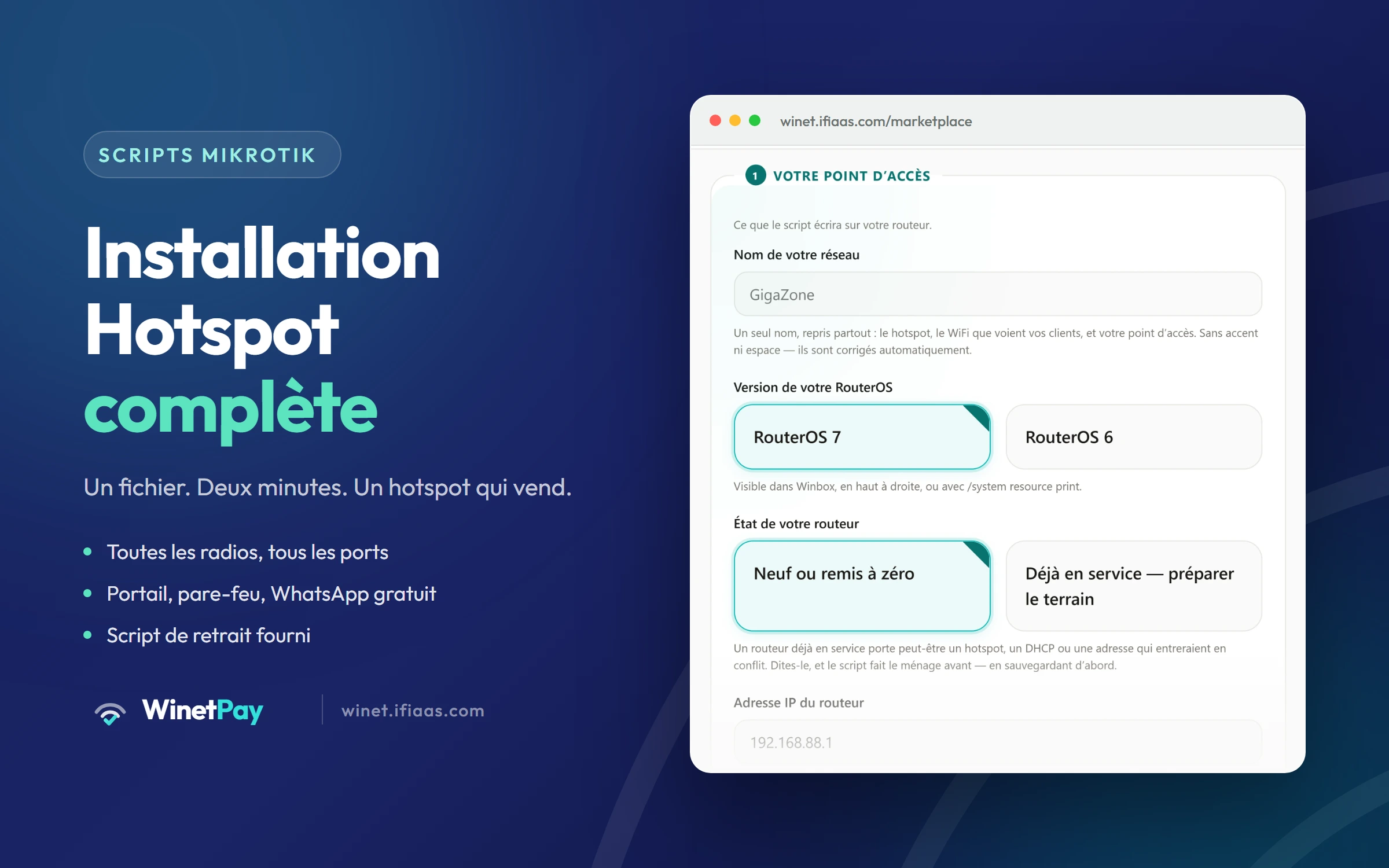
Complete hotspot setup
A complete MikroTik hotspot, set up to sell: the customer network, the DHCP server, DNS, the captive portal, the firewall and fair bandwidth sharing. The file adapts to YOUR router — it discovers its ports and radios by itself — and can connect the access point to your dashboard in the same pass.
What this product does
- Every port and EVERY radio joined into one customer network — the script finds them
- DHCP server and DNS tuned for public use, not for an office
- Captive portal, walled garden and automatic customer reconnection
- Free WhatsApp before payment, to hold the visitor long enough to buy
- Fair bandwidth sharing: the line fills up without everything crawling
- Firewall: only the customer network gets in, the rest is refused
- Connection to your dashboard, with no credentials to copy out
- Removal script included: it undoes exactly what was installed
What happens after you buy
- 1 Vous collez la commande sur le routeur (bouton « Copier la commande » sur votre page Mes Achats).
- 2 The script sets up the network, the portal and the firewall — about two minutes.
- 3 If you asked to connect it, the WinetPay agent installs right after.
- 4 En v7 uniquement : appuyez sur Reset ou coupez-rallumez l’alimentation dans les 5 min, pour autoriser le hotspot.
- 5 The router reboots, then checks in: it turns “Online” in your dashboard.
- 6 WinetPay reads its profiles and prepares your packages. You can start selling.
Why it helps
- No command to type, no port name to look up: the script reads your router.
- The settings people forget and pay for later — DNS open to customers, correct time, latency under control — are already there.
- A router ALREADY in service is handled: back up first, then remove only what actually conflicts.
- Réversible pour de vrai : le script de retrait est livré avec, et il efface TOUT ce que l’installation a posé — y compris l’agent WinetPay — sans toucher à votre config pré-existante.
Technical specifications
- Format
- Two .rsc files: install and removal
- Reversible
- Oui — le script de retrait est livré avec et retire TOUT : hotspot, pare-feu, agent WinetPay, schedulers. Rien ne subsiste.
- WiFi radios
- Toutes les radios du routeur sont configurées (routeurs sans radio : réseau filaire uniquement)
- Requirements
- Accès administrateur au routeur + accès physique au routeur (uniquement en v7 pour la confirmation ci-dessus)
- Compatibility
- Testé sur RouterOS 6.49 (hAP mini/lite, RB951) et 7.17–7.20 (hAP ax, ax², ax³). Code étendu pour hAP ac/ac²/ac³, cAP, LHG, NetMetal, CRS, RB5009, hEX, CCR 1xxx/2004, CHR x86. Autre modèle : nous écrire pour vérification gratuite.
- Time to apply
- Environ 2 minutes en v6. En v7 (routeurs « home » depuis 2024), une confirmation physique est demandée : appuyez sur Reset ou coupez-rallumez l’alimentation dans les 5 minutes.